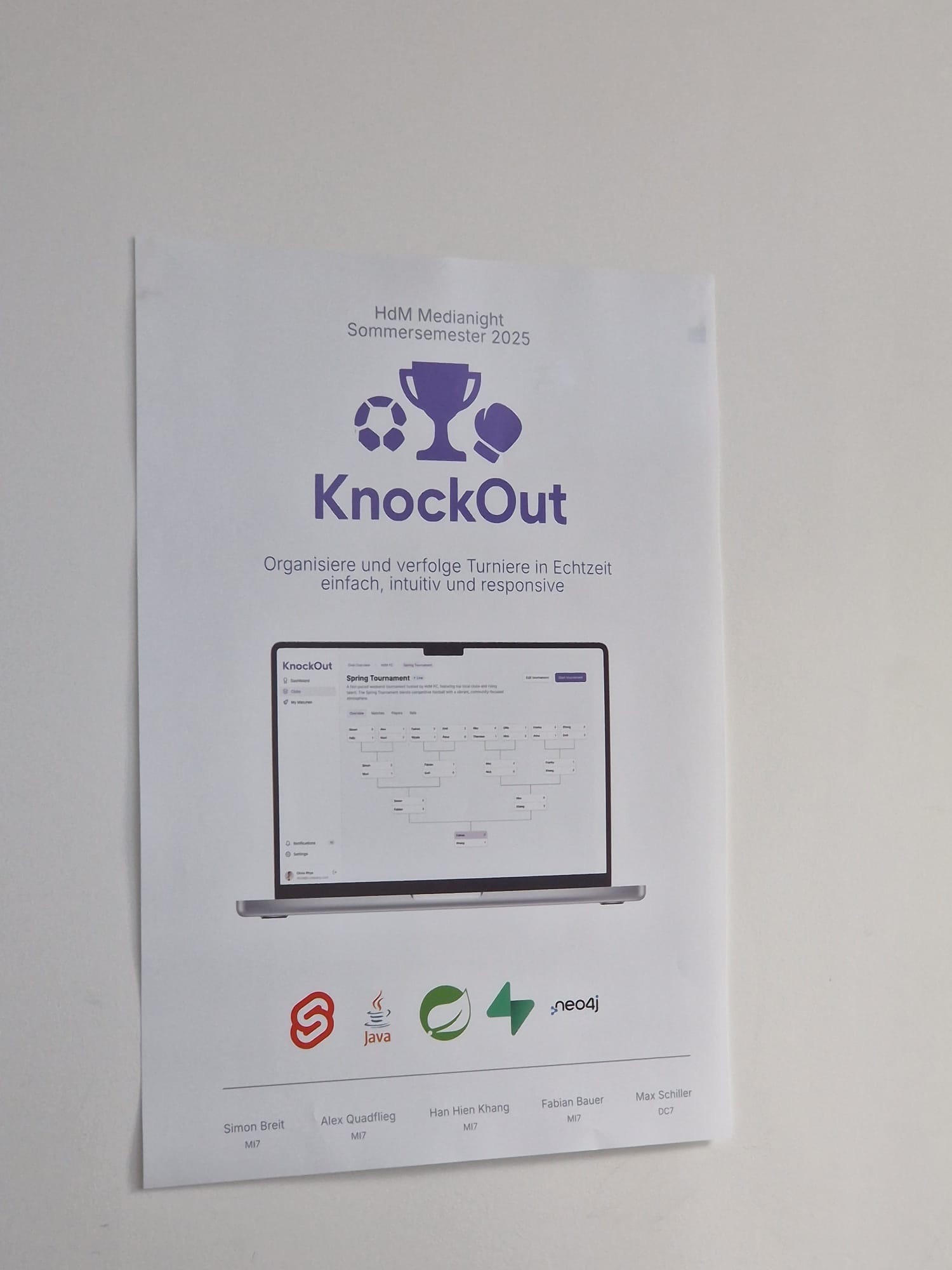
Knockout
Project overview
Knockout is a tool to create and manage any type of tournaments. Whether you are using it for a game night with friends or a big event – Knockout is perfect to keep track.
As part of a university project, I was asked by an acquaintance to design the user interface for their application.
Role
UX/UI Designer
UX/UI Design, Interaction Design
Background
Since their team consisted solely of frontend and backend developers, they approached me to turn their concept into an appealing user interface. This meant that I was the only one responsible for focusing on the interaction and overall a good UX, while the other team members translated the UI into code.
Although it was more of a side project, I still took away some lessons from it, some key achievements of which I have listed below.
Designed a holistic application. Although it wasn't a big project, it feels good to have designed the whole thing with all the features.
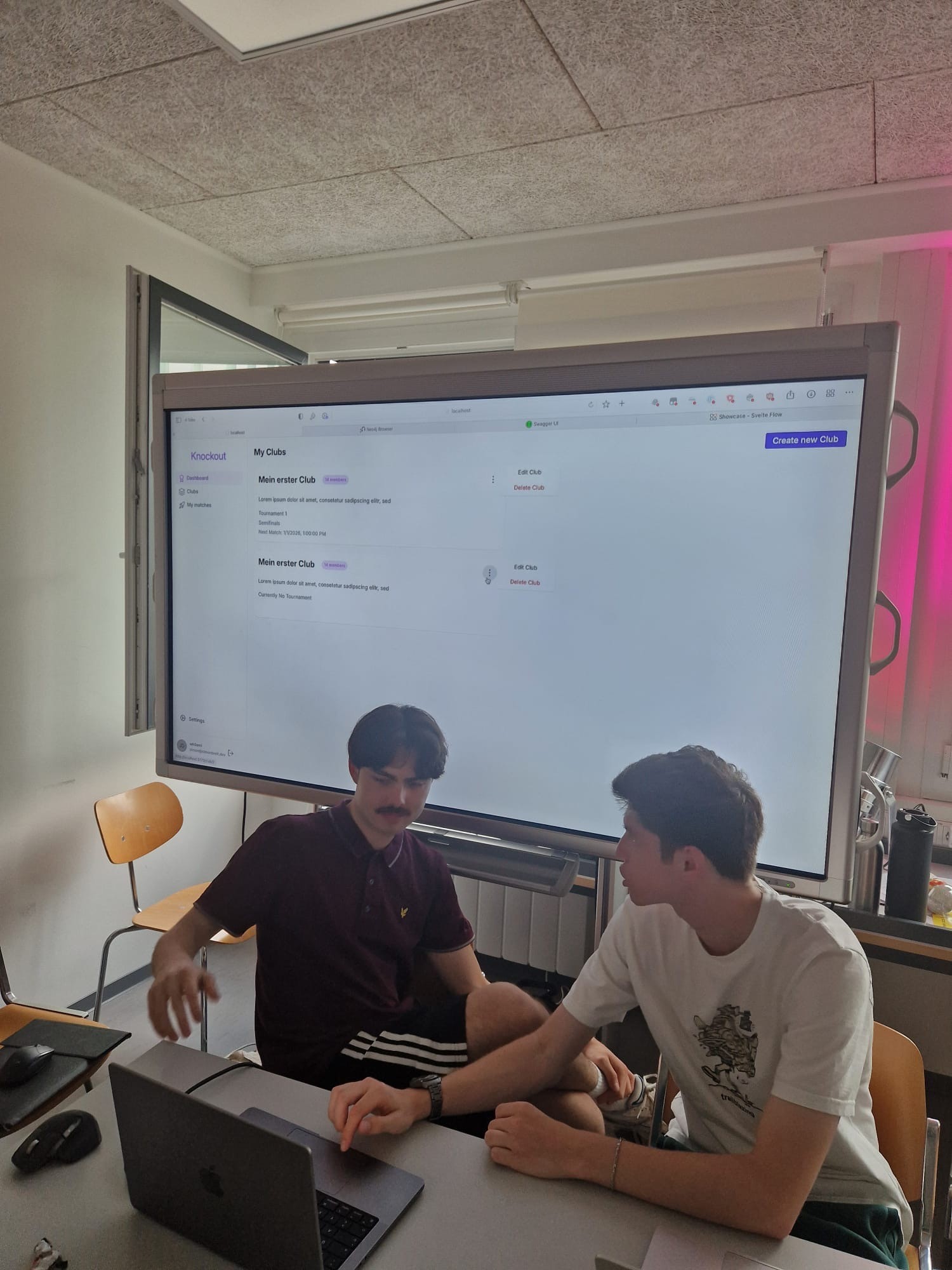
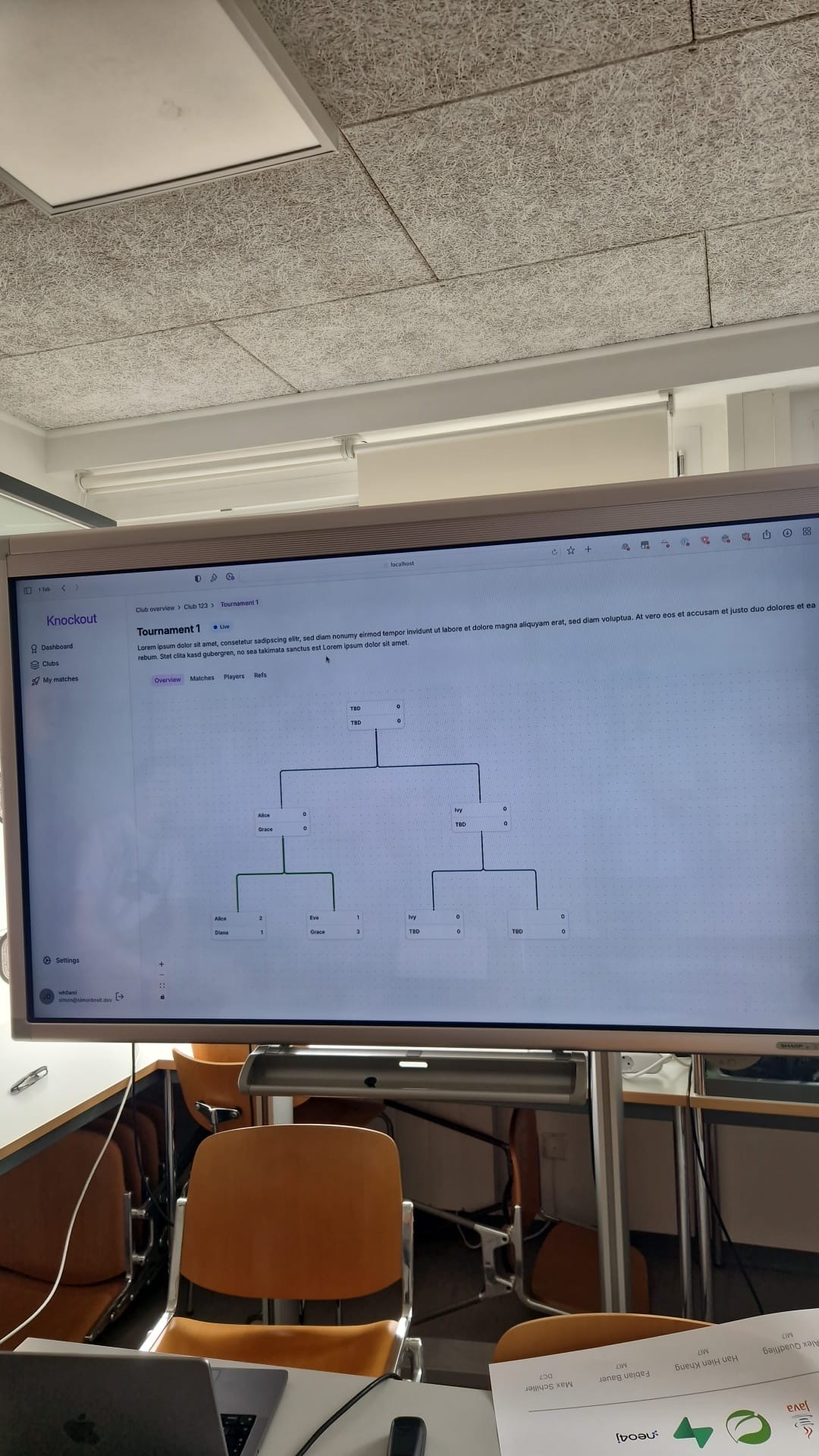
Made it to an exhibition. The project was showcased at an exhibition hosted the university at the end of the semester.
Understanding the problem
Since there was no dedicated research phase planned, I relied on the developer’s notes and initial input to understand the project goals. To deepen this understanding, I brainstormed potential user needs and scenarios.
The main challenge was to design an interface that makes organizing tournaments simple and intuitive. The tool needed to help users simulate matches and track results without feeling overwhelmed.
My role was to translate these functional requirements into a clear, engaging and user-friendly interface, ensuring a smooth experience.
Product vision and solution
The vision behind Knockout is to provide users with an intuitive and engaging tool to create, simulate and manage tournaments of any kind. Instead of relying on spreadsheets or manual organization, the goal is to make tournament planning accessible and enjoyable for everyone. The product aims to combine clarity and structure within one cohesive interface.
The solution approach was to design a user interface that brings together the following core aspects:
Clarity. The tournament structure is visualized in a clear layout, allowing users to understand the overall flow at a glance.
Accessibility. Creating and managing tournaments should feel effortless, even for users with little technical experience.
Interactivity. Dynamic and editable elements make it easy to simulate matches and update results directly within the interface.
Scalability. The design accommodates both small and large tournaments while maintaining a consistent and intuitive experience. Additionally, the design should allow adding further tournament types in the future.
Designs
After defining the core goals and functionalities, I translated them into visual concepts. The following screens highlight the final interface of the application.
Organizing the designs
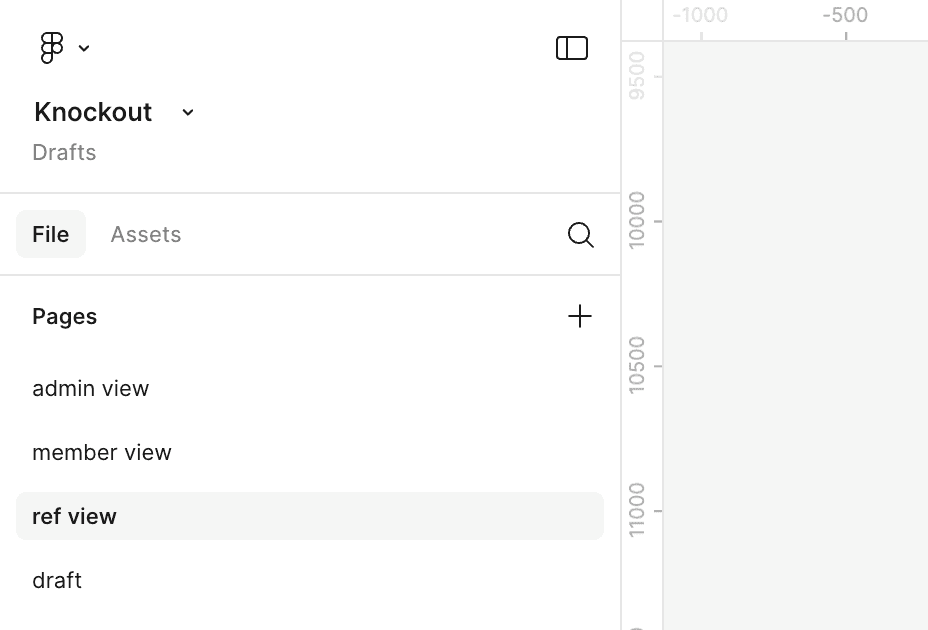
To maintain an overview of which screens were designed for each role, I divided them into three pages. I also grouped the screens based on the application's functionality.

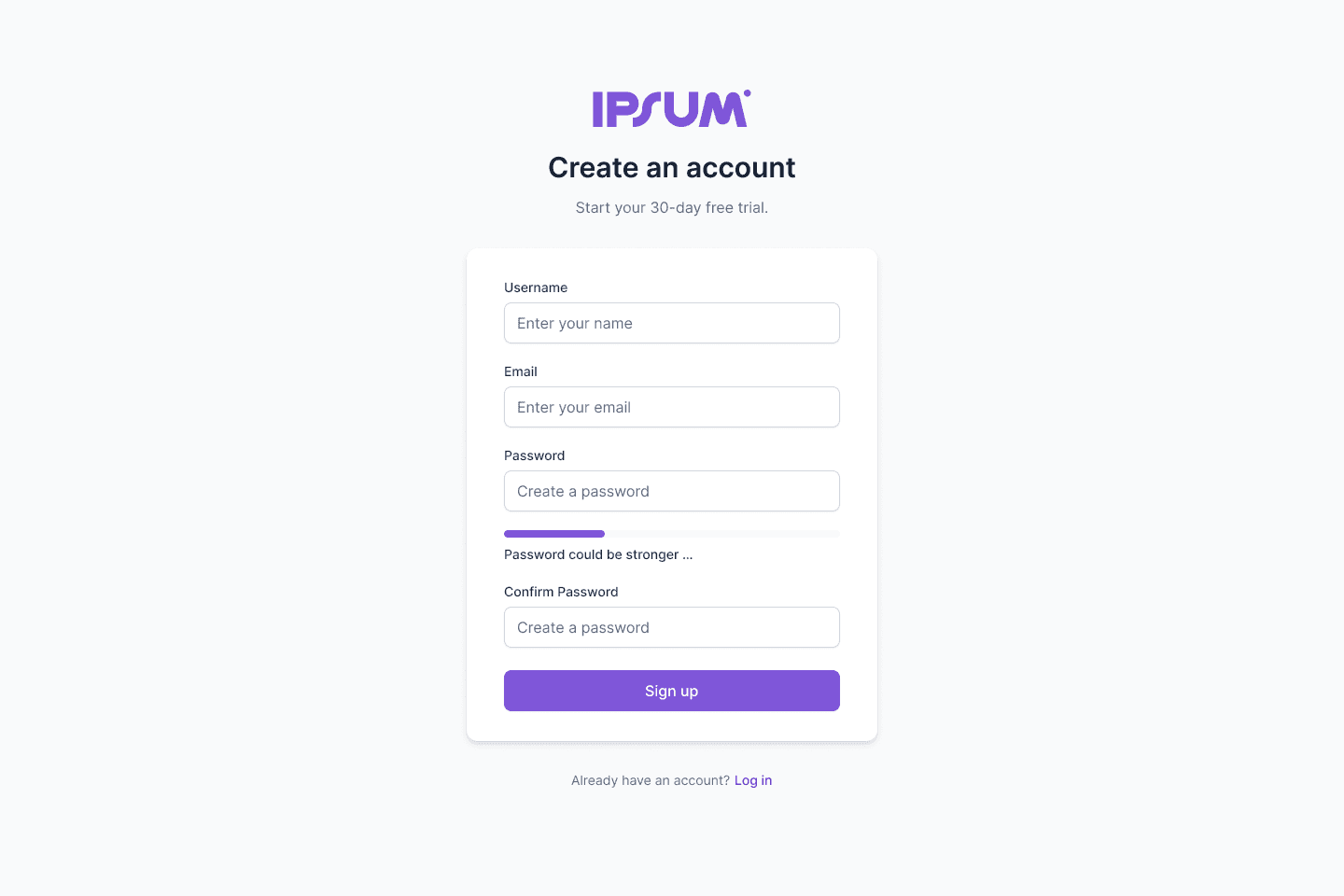
Login and register
Since almost every application requires users to create an account, I quickly visualized this process and its individual steps.
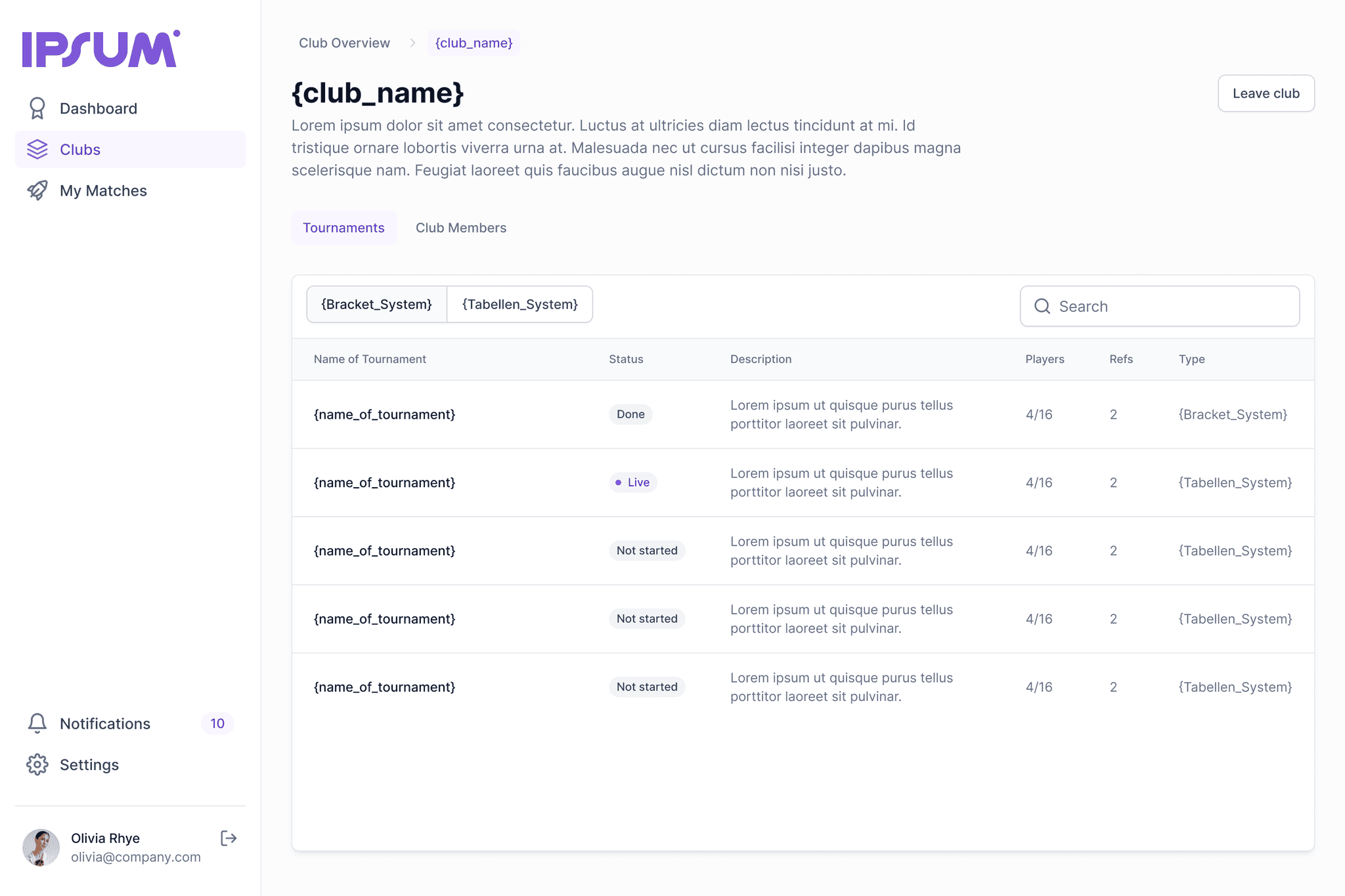
Club overview
Users can either join existing clubs or create their own. Under the “Clubs” tab, they can view an overview of all the clubs they are part of.

Club details
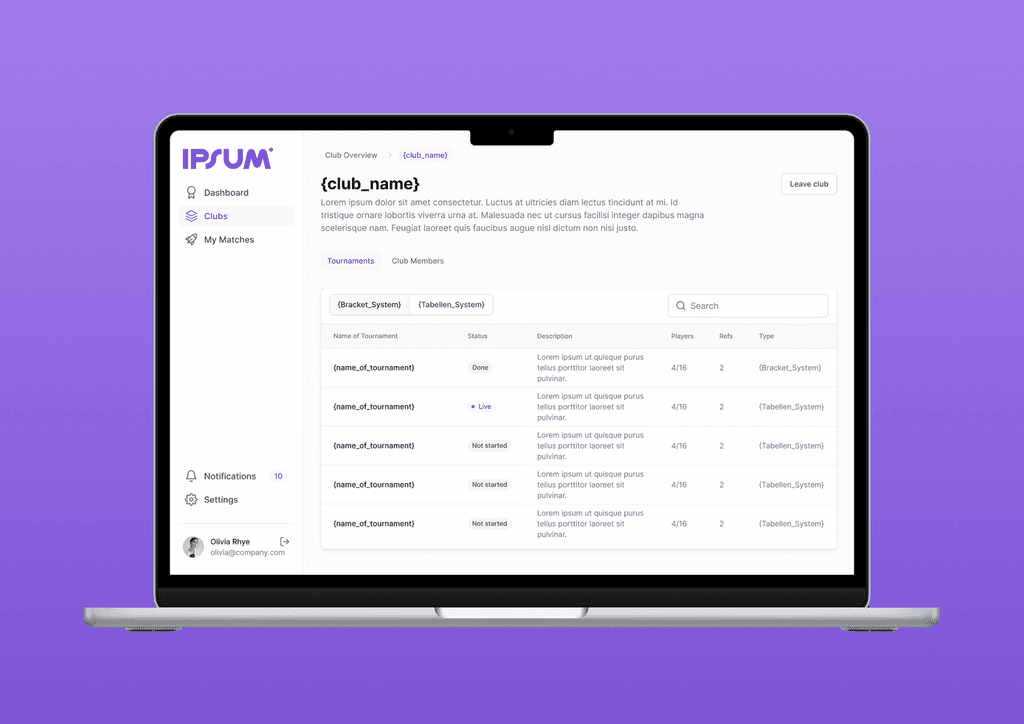
By selecting a club, users can access all its details, such as ongoing tournaments that can be filtered by type. They can also see the list of club members.
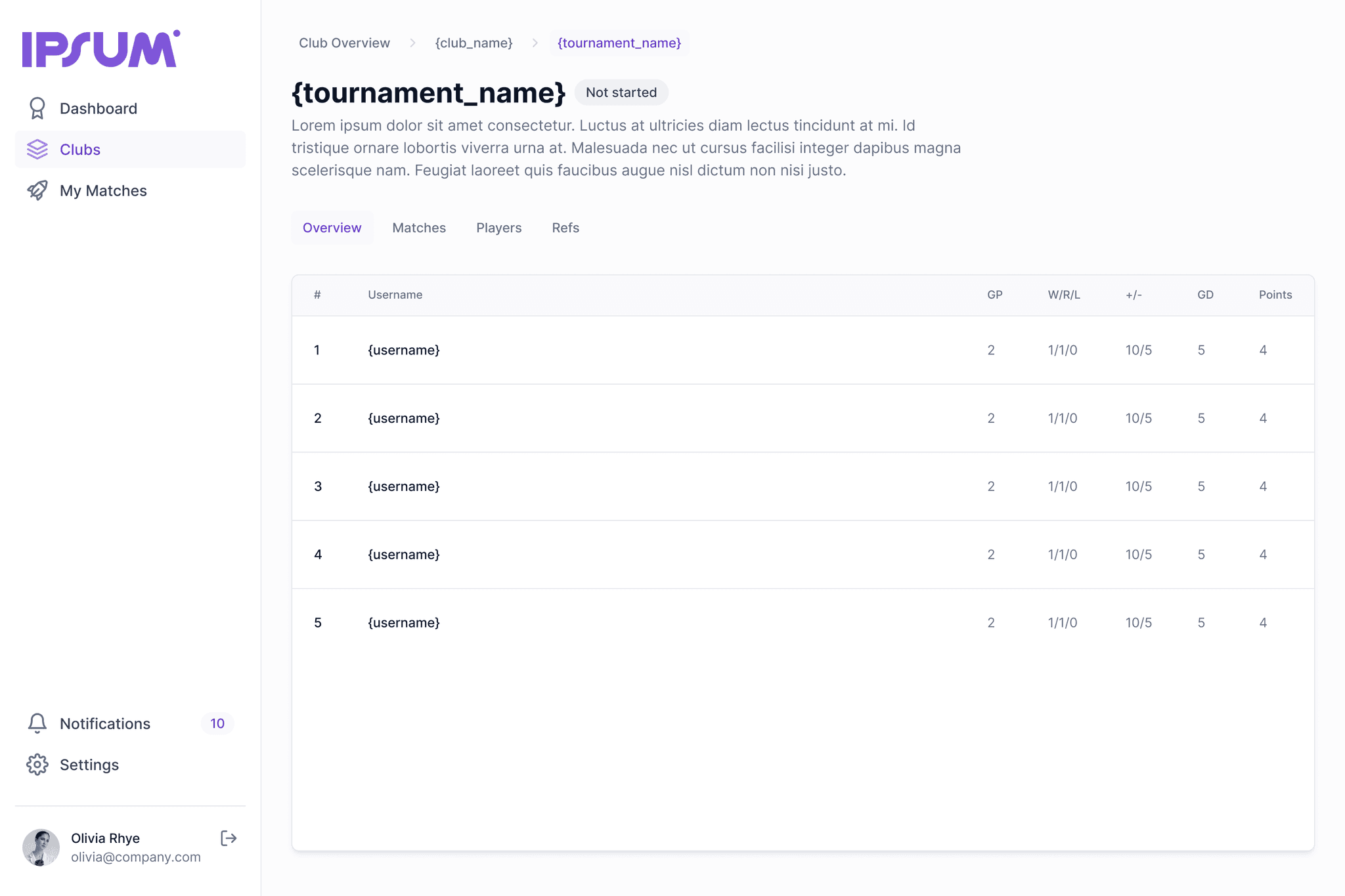
Tournament details
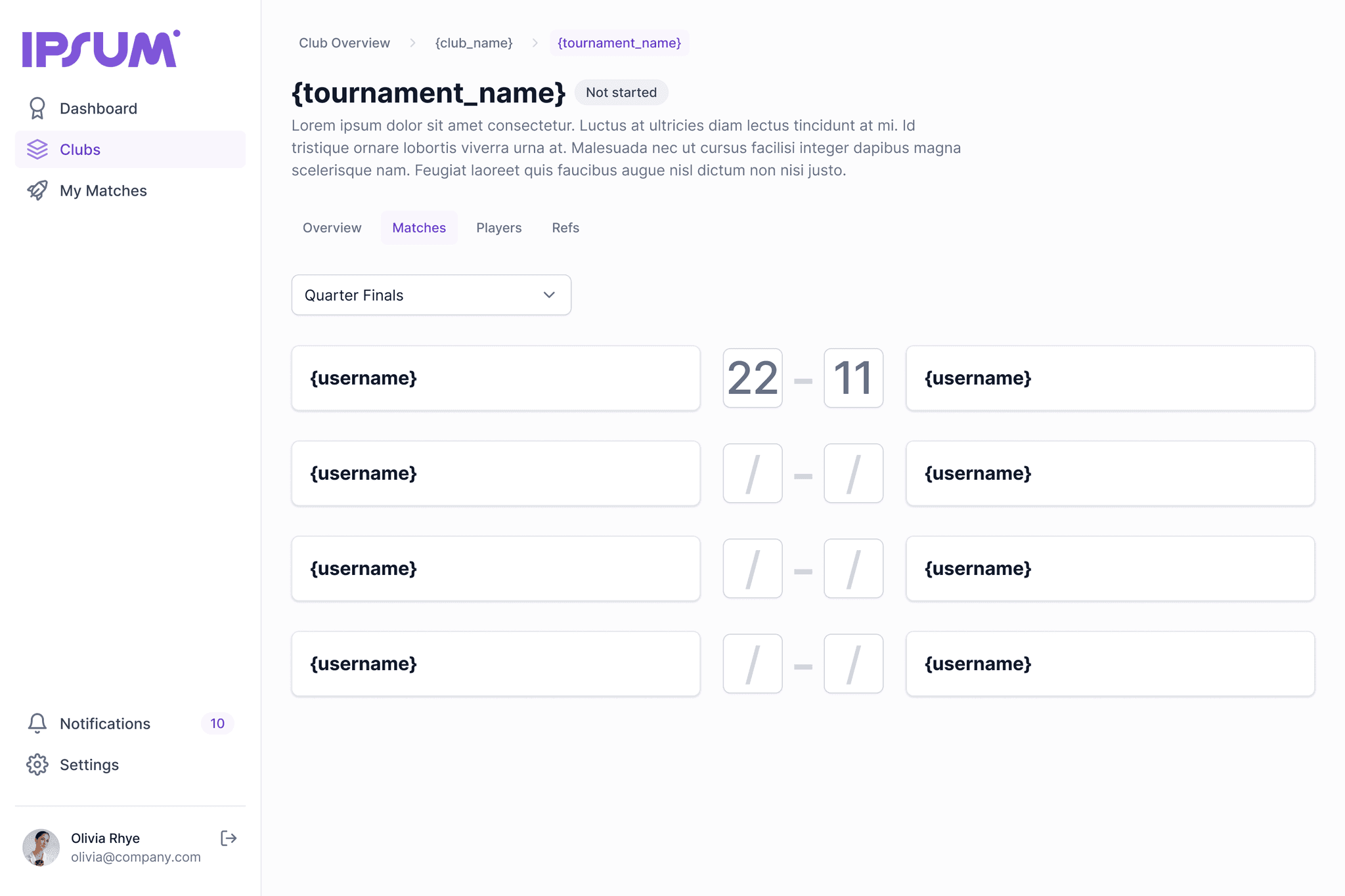
When opening a tournament, users can see its full details, including the current state, rankings, stats, matches, players, and referees.

My matches
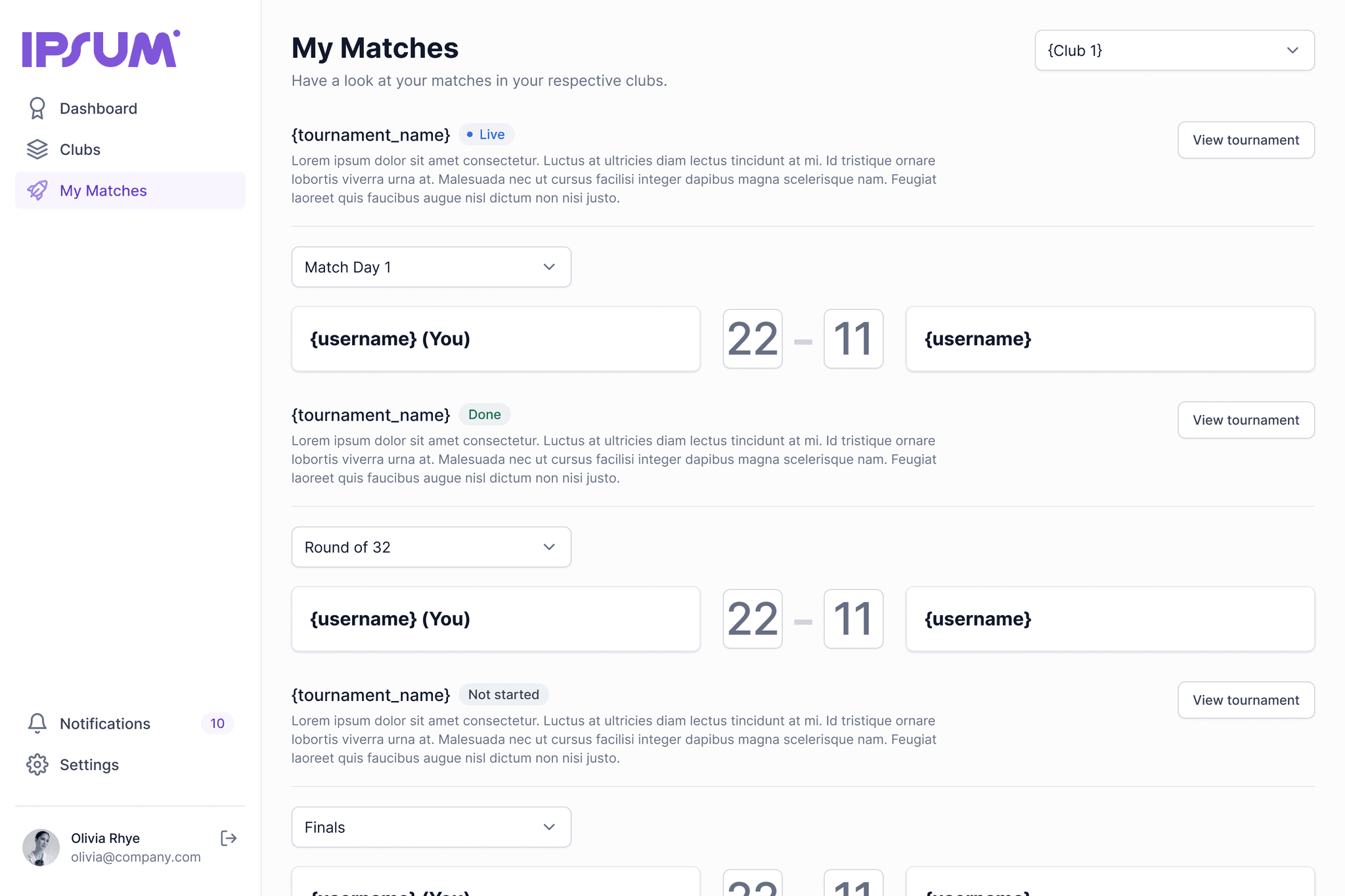
As a player, it’s important to keep track of your own matches. For this purpose, users have a dedicated tab called “My Matches” where they can follow their games across different tournaments.
Notifications
When users are invited to join a club or to take on a specific role in a tournament, they receive the corresponding information under the “Notifications” tab.

Settings
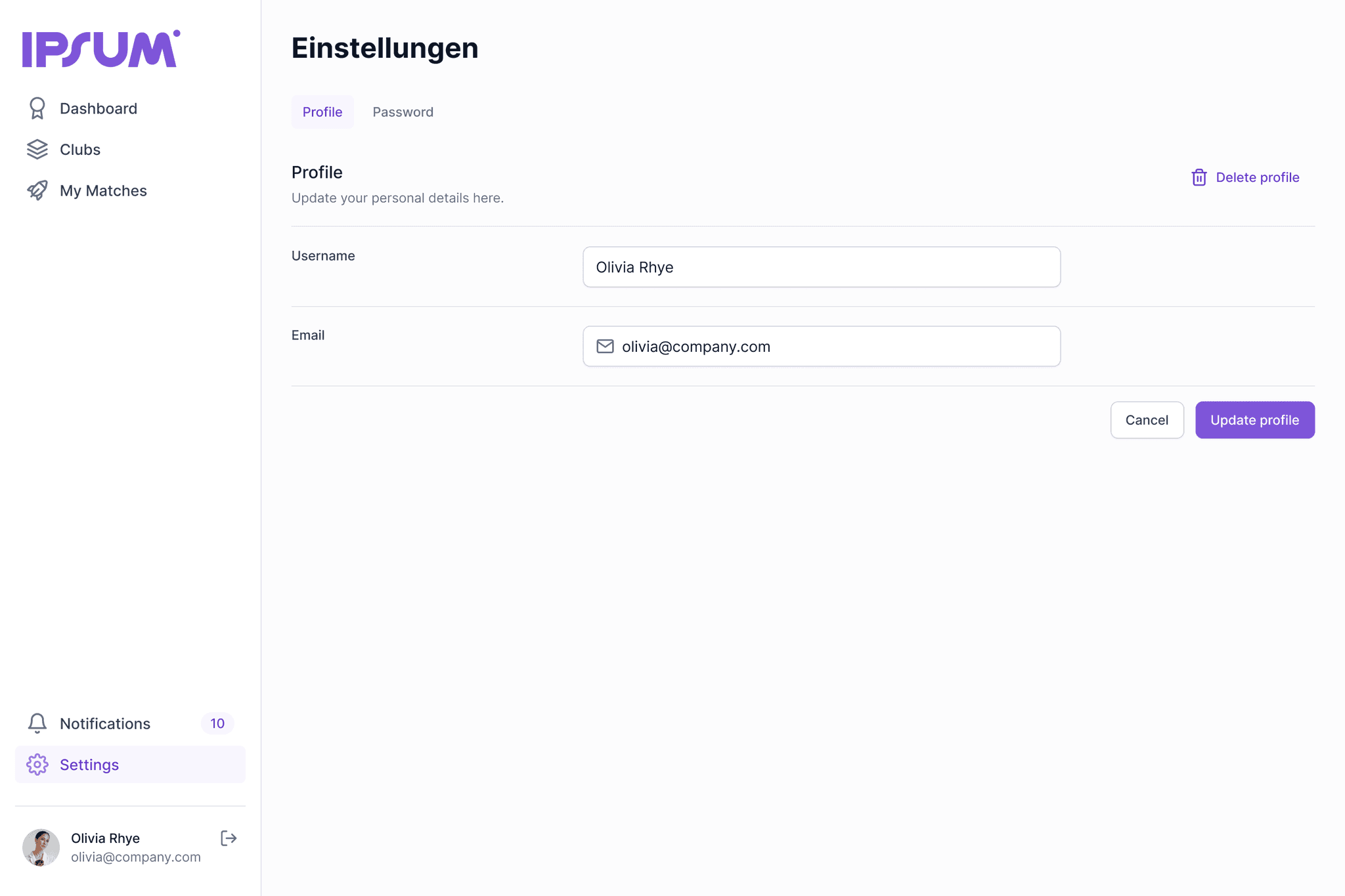
Because settings play a key role in most applications, I designed the main actions users can perform.
Results and takeaways
In conclusion, this project gave me the opportunity to put my design skills into practice and translate the requirements into a functioning interface. It was a small but rewarding project that was showcased in the end and that allowed me to apply what I had learned in previous courses and gain more confidence in designing complete, consistent user flows.